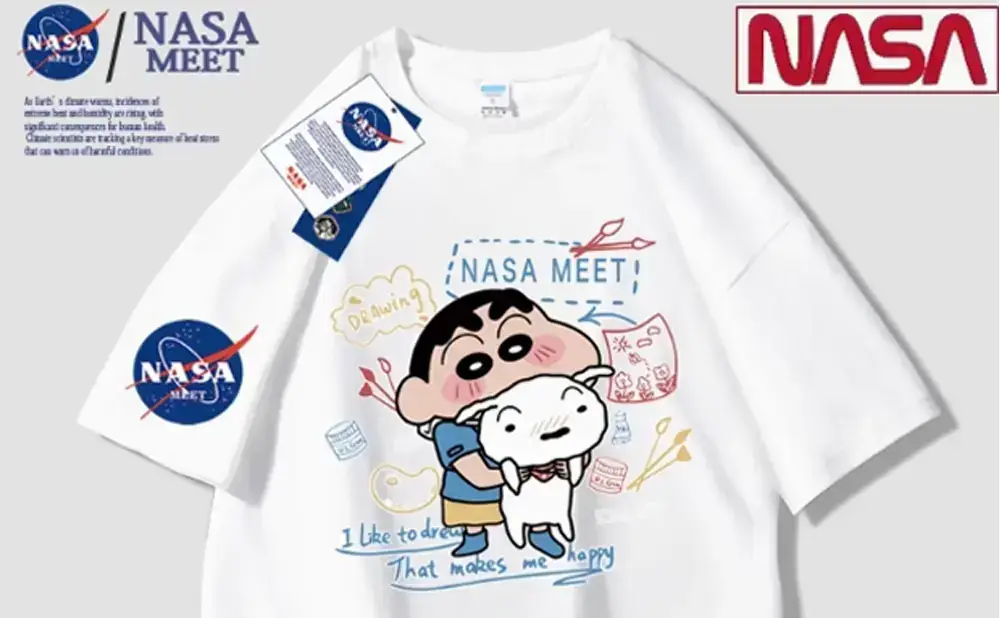
As personalized fashion continues to grow, Direct-to-Film (DTF) technology has become a cornerstone of custom apparel production. Keditec offers advanced printing solutions that enable creators to execute designs with precision and consistency. To maximize the performance of your Keditec DTF printer, the following structured guidelines will help you achieve professional-grade results across every project.
1. Preparation: Equipment and Consumables
Before starting a print job, ensure your printer is in optimal condition. Inspect the print heads for any signs of clogging or dried ink, and run cleaning cycles if necessary to maintain sharp edges and consistent color output. Use Keditec original inks to enhance color vibrancy and wash durability, and verify ink levels beforehand to avoid interruptions during production.
Select high-quality transfer films that are compatible with your specific Keditec model. The film surface should be smooth and offer good ink absorption to preserve fine details throughout the transfer process.
2. Design and Layout: Balancing Creativity with Application
The effectiveness of a design is closely tied to garment placement and format. For chest prints, compact and visually focused graphics tend to perform best, while full-back designs allow for more complex compositions. Keditec printers accommodate a wide range of design sizes, but it is advisable to test placement using mockups or sample prints before final production.
Adjust your color settings based on fabric color:
- For light-colored fabrics, use RGB mode to achieve brighter, more saturated results.
- For dark-colored fabrics, switch to CMYK mode and increase contrast to ensure design visibility.
3. Printing Process: Precision and Environmental Stability
Load the transfer film evenly into the printer tray to prevent skewing or jams. Depending on fabric thickness and design complexity, adjust driver settings accordingly: raise the print head for thicker materials, and reduce print speed for high-detail artwork to enhance resolution.
Maintain a stable working environment with temperatures between 20–25°C and relative humidity between 40% and 60%. These conditions help prevent premature ink drying and minimize the risk of print head issues, ensuring consistent performance during extended runs.
4. Heat Transfer: Balancing Temperature, Pressure, and Time
The heat transfer stage is critical for adhesion and durability. Using a heat press compatible with Keditec systems is recommended. The following baseline parameters serve as a starting point:
- Cotton fabrics: 160–180°C, medium pressure, 10–15 seconds
- Polyester fabrics: 140–160°C, light pressure, 10–12 seconds
Excessive heat or pressure may damage the fabric, while insufficient settings can result in poor adhesion. Conduct small-scale tests with your specific materials before beginning full production to determine the optimal combination.
5. Post-Processing and Equipment Maintenance
After transfer, allow the design to cool completely to room temperature, which helps improve color stability and adhesion strength. For long-term print durability, wash garments inside out in cold water and avoid bleach or harsh detergents.
Regularly clean the printer’s interior to remove residual ink and dust, and replace wear-prone components as needed. Consistent maintenance extends equipment lifespan and preserves output quality over time.
Authoritative References
To support the technical accuracy and credibility of this guide, the following resources from established industry organizations are provided for further reference:
- DTF Printing Best Practices – Specialty Graphics Imaging Association
https://www.sgia.org/resources/dtf-best-practices - Heat Press Temperature Guide for Garment Decoration – Stahls’
https://www.stahls.com/heat-press-temperature-guide - DTF vs. Screen Printing: A Technical Comparison – PRINTING United Alliance
https://printing.org/technical-resources/dtf-vs-screen